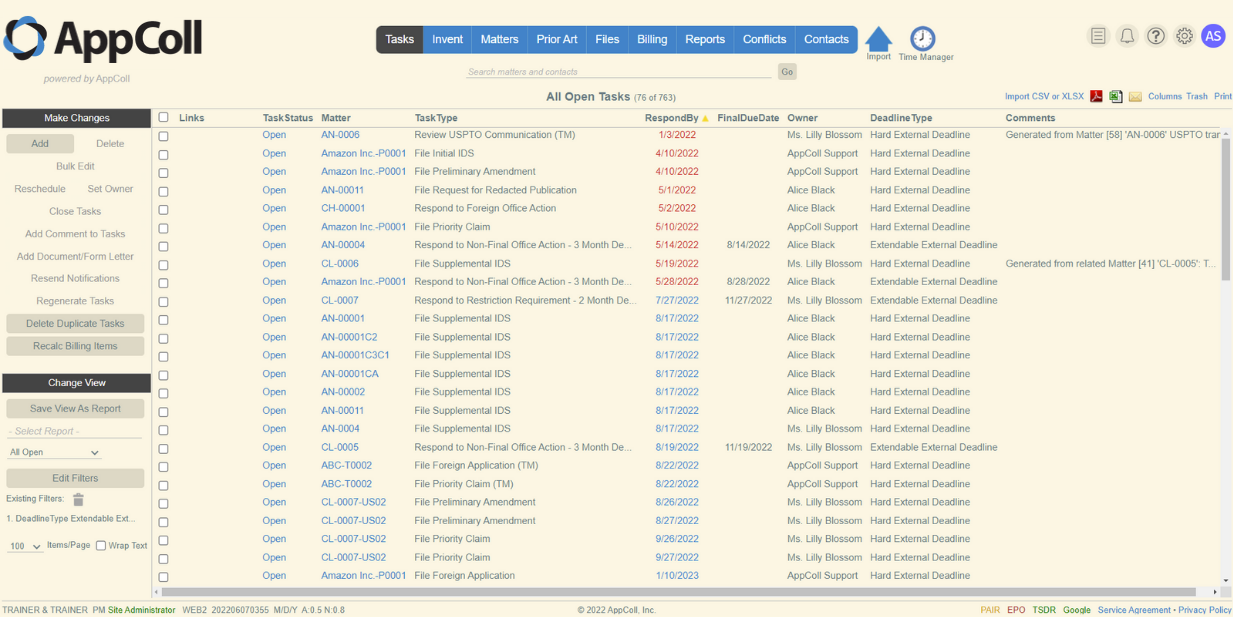
In AppColl, you can change the theme you are working in.
- Hover over the Profile icon.
- Select the Your Profile option.

- Click the Themes dropdown button.
- Select from the available options.
- Click Save to apply the theme.

The following themes are currently available.
Classic
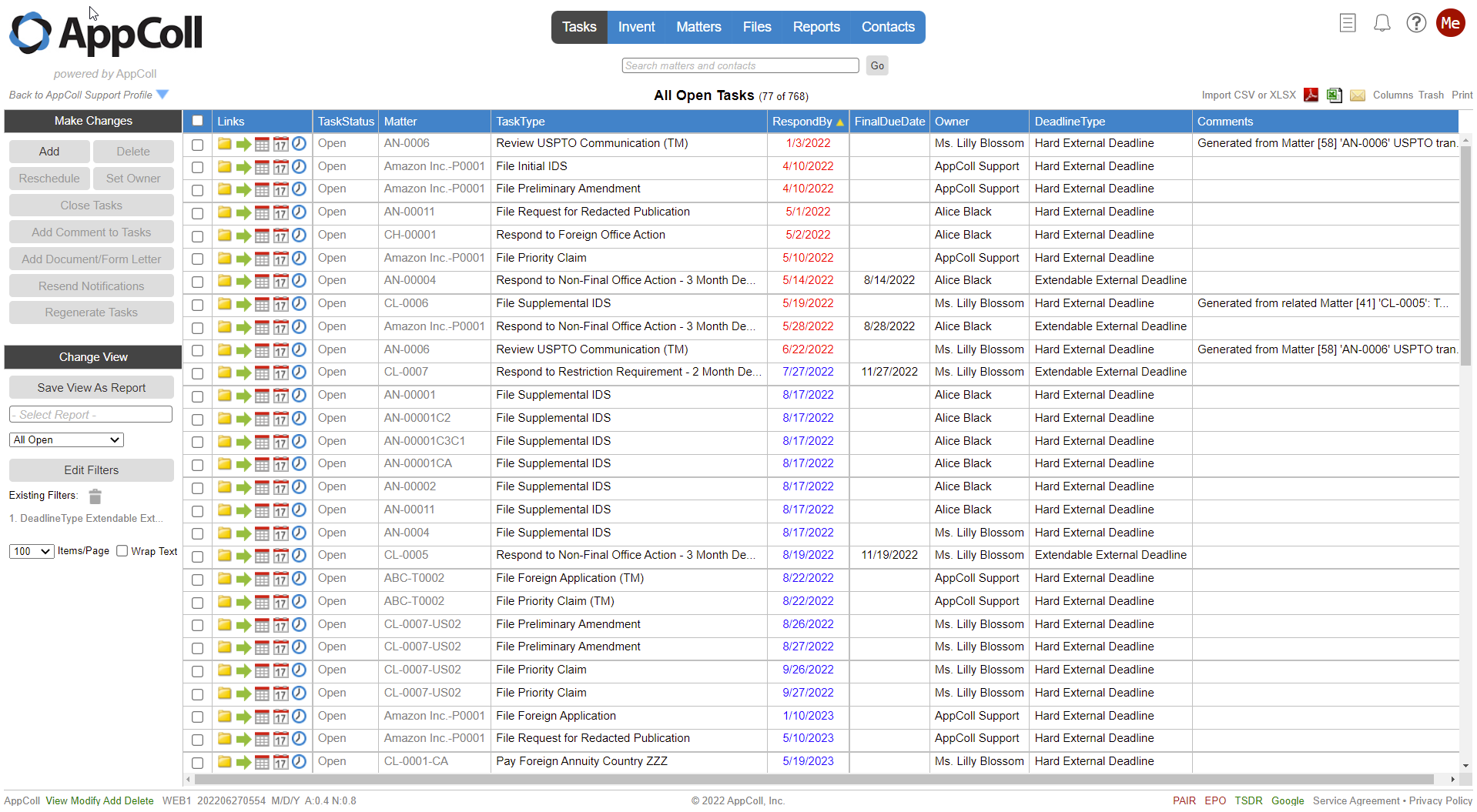
Modern
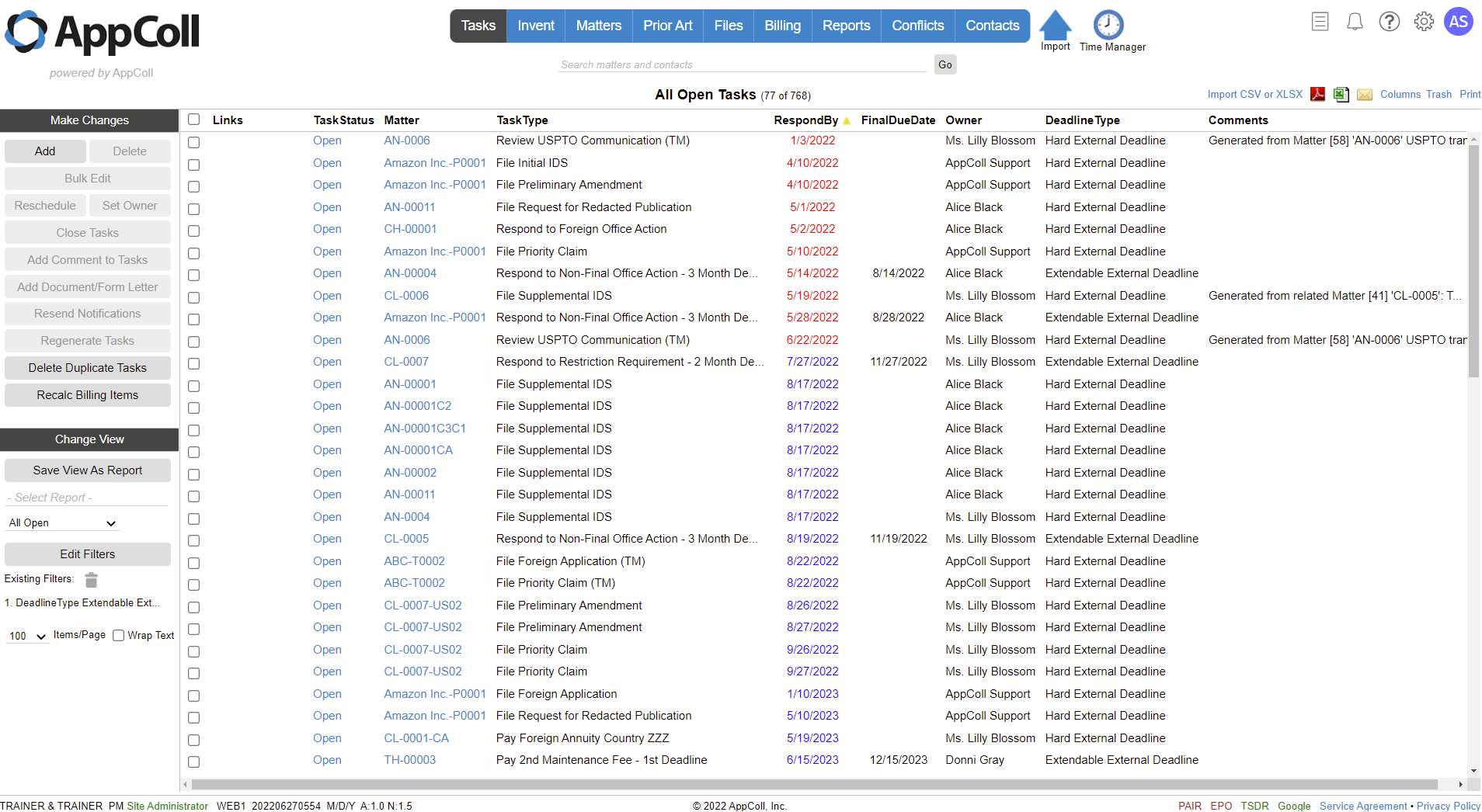
Dark
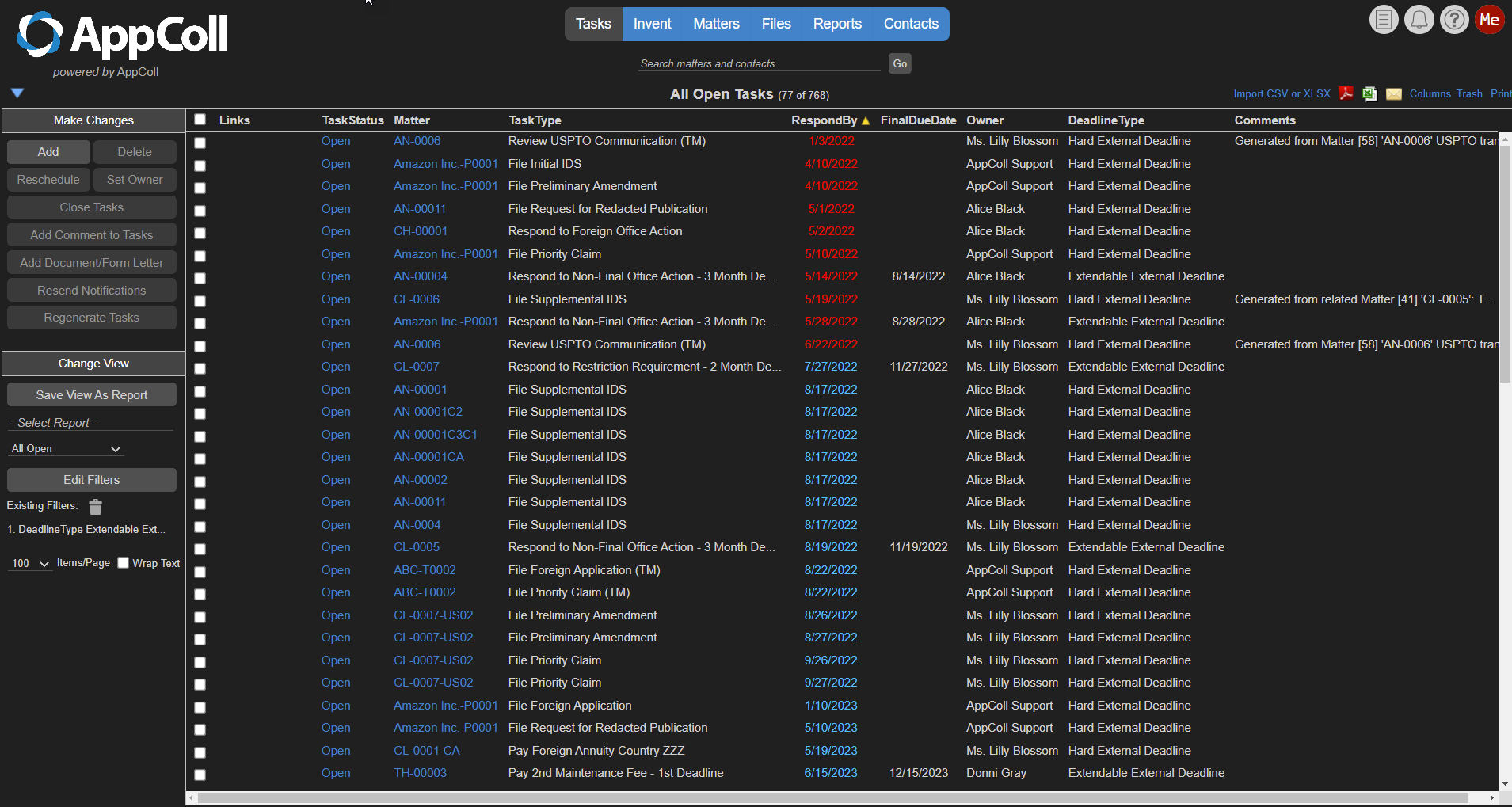
Solarized